
Windows
Windows 10 / 11 · x64
Download v0.7.60
Windows 10 / 11 · x64
macOS 13+ · Apple silicon
macOS 13+ · Intel x64
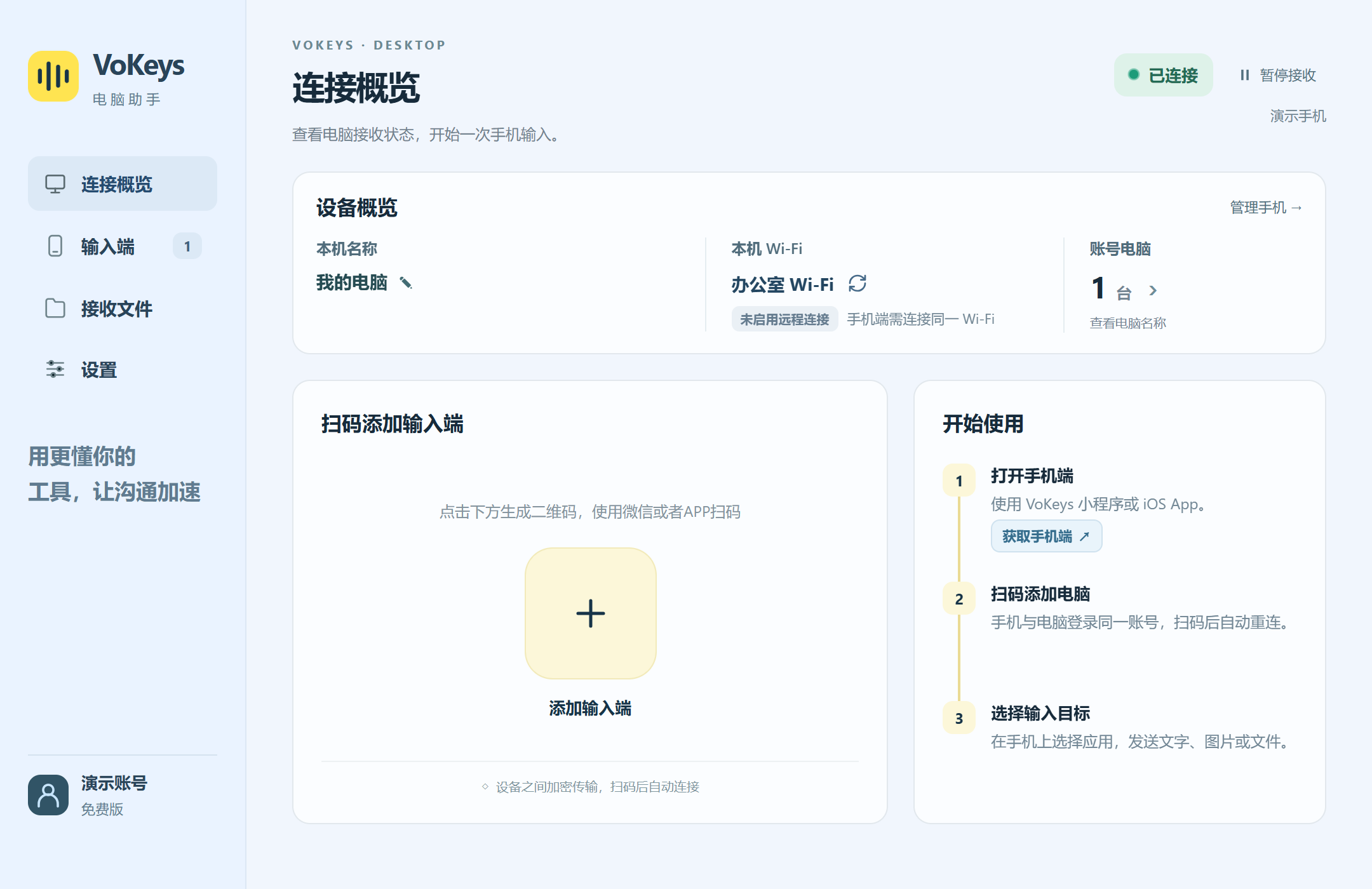
After installation, use the mobile client to send text, images and files to your computer.
This is a Beta release. When installing for the first time, Windows may show “Windows protected your PC”. Confirm that you downloaded the installer from this website, then select “More info” → “Run anyway” to continue.
Scan in WeChat or search for the mini program “VoKeys语音输入工具”. Register a free VoKeys account and sign in to get started.

Speak, edit text or attach an image on your phone. Keep the conversation going on your computer.
Speak longer thoughts and show interface issues with a screenshot. Make your phone a conversation companion for desktop AI, and spend more time on the work that matters.
View the connection guide